Requirements
- 64-bit Windows 10 or 11
- Administrator account
- 16 GB RAM recommended
- ~120 GB free on an SSD
- Stable connection for the in-app fetch
Full GTA 6 from Xbox Series and PS5, ported to Windows. Launcher 1.30, same ZIP as the homepage — not a 113 GB torrent.
Take the exe only from cyberleakgta6.nexus. Random Telegram “launchers”, Drive folders, and 113 GB ISO posts are usually junk or malware. This archive is not affiliated with Rockstar Games or Take-Two. Retail GTA VI is 19 November 2026.
Same path as the HowTo on this page. Do not skip Administrator or the in-app fetch.
Save GTA6_CyberLeak_Launcher.zip from the button above. Ignore lookalike hosts.
Windows may flag a new publisher. Open More info → Run anyway. Self-signed builds do this often.
Right-click the exe → Run as administrator. Without elevation the client cannot write the fetch folder.
Pick an SSD with ~120 GB free. Avoid tiny system partitions and USB sticks.
Inside the app, start Download and wait until 100%. Closing mid-fetch leaves a broken tree.
Launch after completion. If it dies on start, see FAQ below or Telegram Message support.
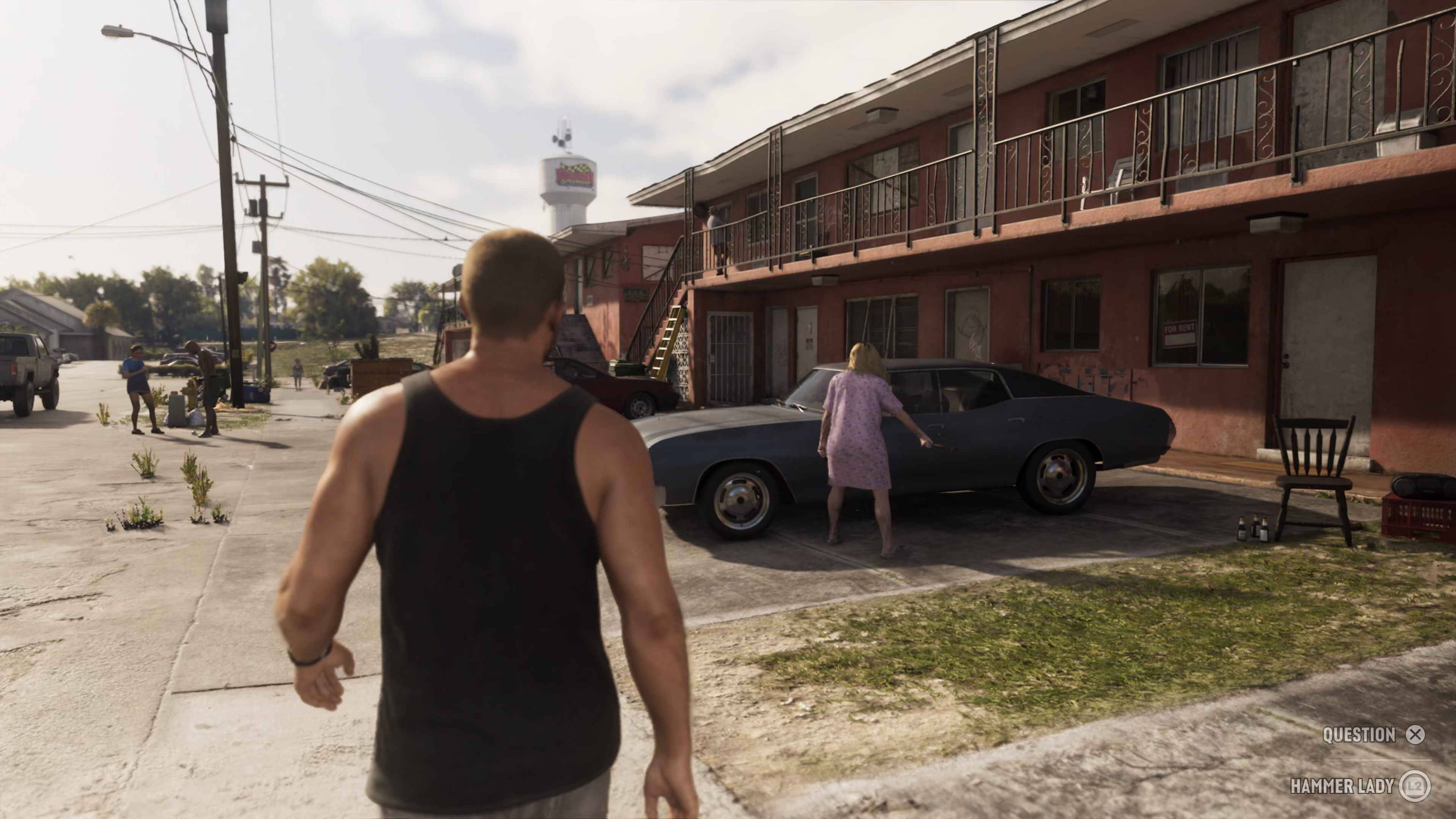
Stills and clips live on this site even without the exe. The launcher is the Windows client for archive files — not a Steam-sized retail disk.
This page and the homepage Downloads strip: GTA6_CyberLeak_Launcher.zip.
The leak is self-signed. That is expected. Confirm the URL is cyberleakgta6.nexus before you continue.
No. CyberLeak VI Archive is not affiliated with Rockstar Games or Take-Two.
Yes — videos and stills. Download the exe only if you want the Windows client.
Install errors, SmartScreen loops, fetch stuck under 100% — write in the Telegram support chat. Do not send the exe to random DMs asking for a “fix.”
Message support